Canva’s font library is huge, and that is exactly the problem. Thousands of small shops pick from the same handful of scripts, so their posts start to look alike. Uploading your own font is the quickest way to make your designs look like yours, and it takes about two minutes once you know where the button is.
What you need first
- A Canva Pro, Teams, Business, Education or Nonprofits account. Font upload is not part of the free plan.
- On a team account, you need to be an owner, admin or brand designer.
- The font file itself, unzipped. Canva accepts OTF, TTF and WOFF. It does not take ZIP, WOFF2 or variable fonts, and the file has to be under 15 MB. If your download has both OTF and TTF, use the OTF.
Upload it in five steps
- On the Canva homepage, open Brand in the side panel.
- If you have more than one Brand Kit, choose the one for this brand.
- Go to Fonts and select Upload a font.
- Pick the OTF or TTF file from your computer. Canva asks you to confirm you have the right to use it.
- Open any design, click a text box and find the font under your uploaded fonts in the font menu.
Canva moves its buttons around now and then, but the path stays the same: Brand, Brand Kit, Fonts. If a family has several weights, upload each file separately.
When the upload does not work
- No upload button. The account is on the free plan, or you are not an admin of the team.
- File not supported. You picked the ZIP or a WOFF2 file. Unzip the download and choose the OTF or TTF.
- The font is blocked. Canva expects fonts to be licensed for embedding and may refuse the ones that are not.
- You cannot find the font. It is probably in a different Brand Kit. Switch kits from the Brand Kit name at the top.
Three habits for script fonts in Canva
Keep letter spacing at 0. Script letters are drawn to connect, and even a little extra spacing breaks the joins. Avoid typing a script in all caps, because capitals in most scripts are made to start a word, not to sit side by side. And give the script one job, like the headline or the name, with a plain sans doing the rest. Our font pairing guide has four pairings that rarely fail.
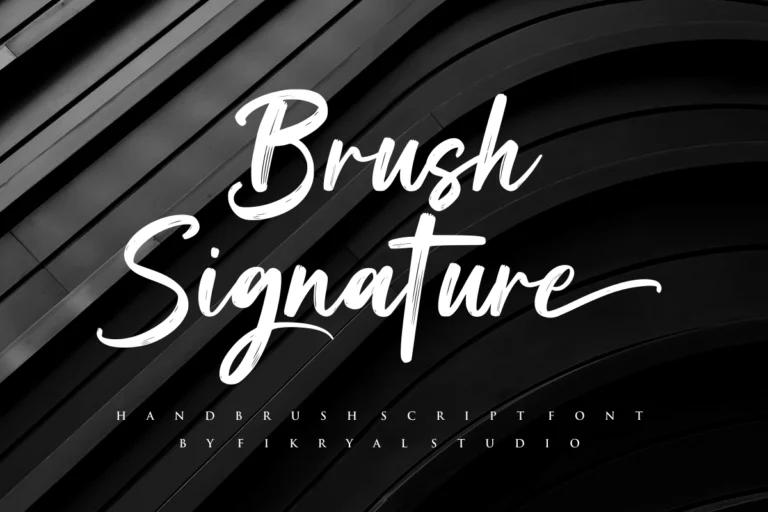
Brush scripts like Brush Signature stay readable in small story text, while a lighter signature style like Soul Signature works best large, as a name or a title.
The license part
Once a font is in your Brand Kit, everything you make with it is usually headed for Instagram, TikTok or an ad. That is social media use, which the Desktop License does not cover.
The license made for this is the Monetized Social Media License. It covers posts and ads on social platforms up to 100.000 views or impressions a month, and it allows use inside Canva, Templett and Corjl. Only the license holder can use the font, so do not upload it to a client’s Brand Kit under your own license. If the same font also runs on your website and printed products, the Extended License covers all of it together.
If you downloaded the free personal-use version from a font site, that file is not for a business Brand Kit. Our article on personal use vs commercial use explains where the line is.
Planning to sell Canva templates built with one of our fonts? That is a different case, because your buyers end up using the font too. Write to us before you list them and we will tell you which license fits.
Every font page has a Find my license helper under the buy button. Pick what you are making and it selects the right license for that font.