A watermark has two jobs. It protects your work, and it reminds people who made it. A signature font does both in a way that feels personal rather than corporate. Here is how photographers and creators can set one up so it looks good on every photo.
Choose a signature that reads at small sizes
Your watermark will often be seen on a phone, at a size smaller than a fingernail. Pick a signature font with clear letter shapes and not too many tiny loops. Test your name at 20 pixels high before you commit. If you cannot read it, neither can your audience.
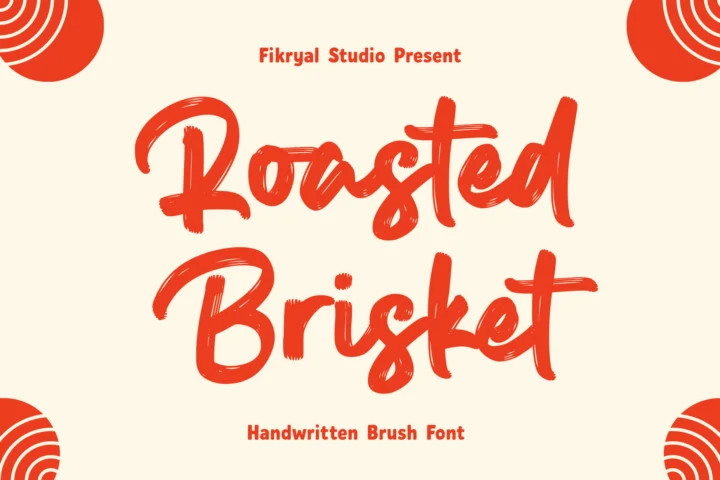
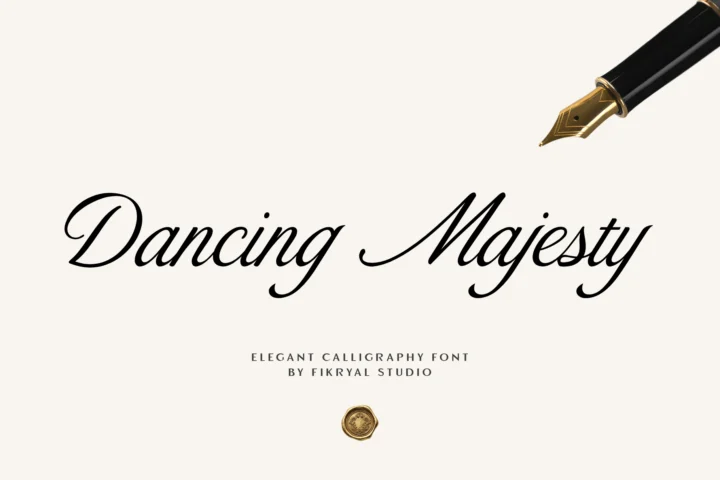
Fonts that work well for this are confident and slightly bold, like Brush Signature, or clean and airy, like Soul Signature.
Make it once, use it everywhere
- Type your name or studio name in the font in Illustrator, Affinity Designer or Canva.
- Adjust the spacing between words by hand. Signatures look more natural when the gap is a little tighter than normal.
- Convert the text to outlines and export two versions as PNG with a transparent background: one white, one black.
- Save them as presets in Lightroom or Photoshop so the watermark is added on export.
Placement and opacity
- Bottom right or bottom centre are the most common spots. Keep a consistent margin from the edge, around 3–5% of the image width.
- Opacity between 60% and 80% is usually enough to be visible without fighting the photo.
- Use the white version on dark areas and the black version on light ones. Switch per photo rather than adding a drop shadow.
Beyond photos
The same signature makes a strong personal logo: on business cards, on the first slide of a portfolio, on packaging for prints, and as the header of your website. Using one mark everywhere is what makes people remember the name.
Which license do you need?
A watermark on photos you share online is social media use, so the Desktop License alone is not enough. The Monetized Social Media License covers social posts and ads up to 100.000 views a month. If the signature is also your logo on a website and printed products, the Extended License covers all of those together. Check the font page for the exact terms, since a few fonts have their own license options.