Every December the same thing happens. Someone opens a blank card template, types “Merry Christmas” in the first curly font they find, and the card ends up looking like every other card on the shelf. The font is doing a lot of the work on holiday design, so it is worth choosing it on purpose.
Below are eight festive scripts from our library, what each one is good at, and the small details that decide whether your cards, gift tags and Cricut projects look handmade in the good way or the rushed way.
Quick picks
- For elegant cards and chalkboard menus: Christmas Moments
- For classic red-and-green invitations: Christmas Story
- For bold gift tags and stickers: Sweet Holiday or Hello Snowflake
- For cutting on a Cricut: Winter Creative
- For a soft, wintery look that lasts into January: Winter Cloud or Winter Romance
8 Christmas fonts and where each one works best
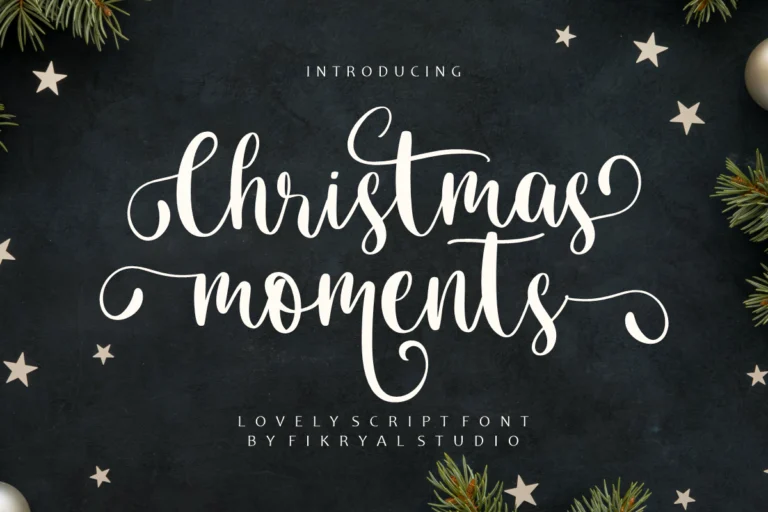
1. Christmas Moments
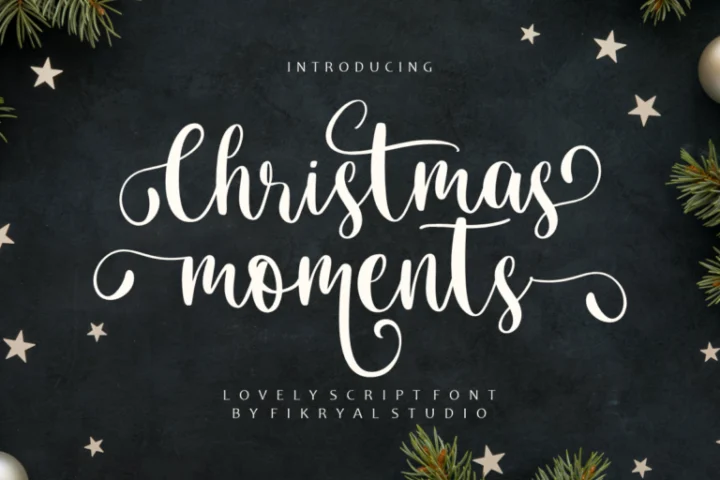
A formal calligraphy script with long, looping capitals and a clear thick-and-thin rhythm. Set in white on a dark background it looks like it was written with a dip pen, which makes it a natural fit for dinner invitations, chalkboard-style menus and the front of a card where the greeting is the only text.
Give it space. Those loops need room above and below, so set the line height loose and keep anything else on the card small and quiet.
2. Christmas Story
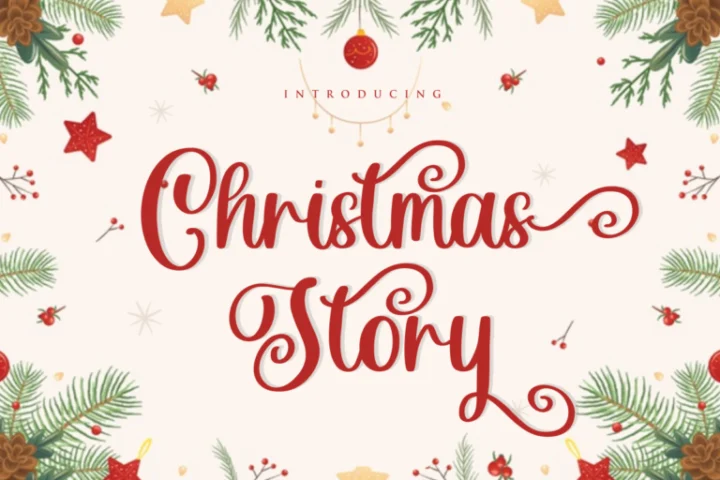
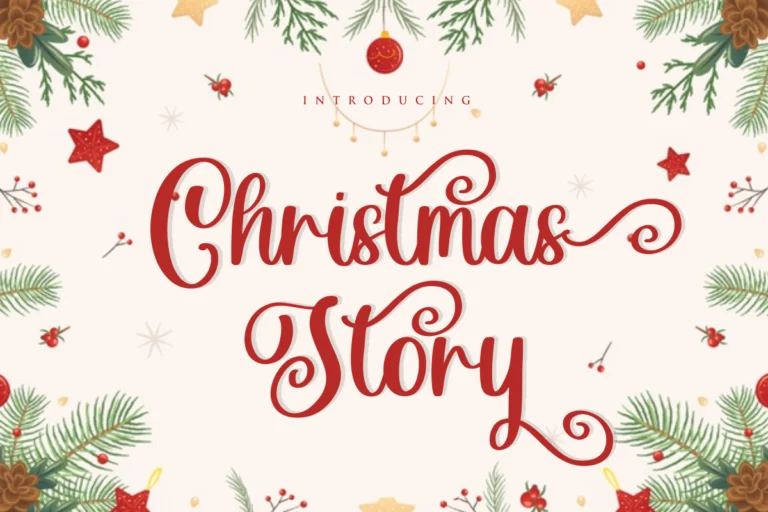
Bouncy calligraphy with curled entry strokes and swash endings on letters like y and s. It has the warmth of a hand-addressed envelope, and it looks best in one strong colour: deep red, forest green or gold on cream.
Use it for names and short greetings. A full paragraph in this style becomes hard to read, so pair it with a simple serif for anything longer than a line.
3. Christmas Dancing
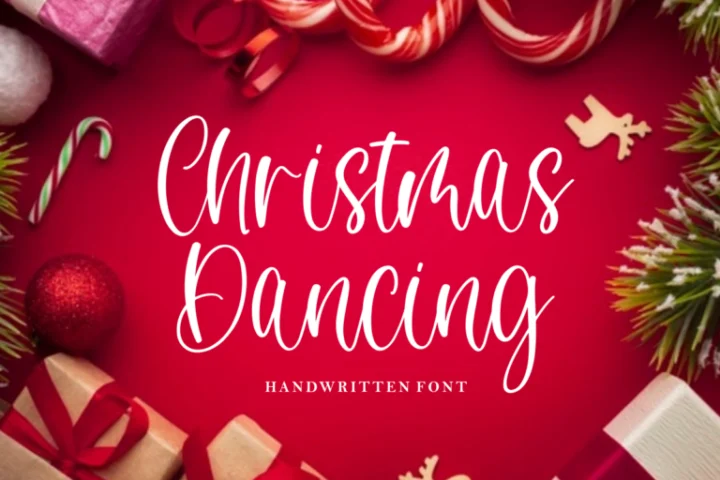
Tall, narrow and lightly slanted, with a pen-like stroke that stays fairly even. Because it is condensed, it fits long words into small spaces: “Season’s Greetings” on a narrow bookmark, a family name across a tree ornament, a label on the side of a cookie jar.
The strokes are on the thin side, so it suits print, screen and vinyl better than very small paper cuts.
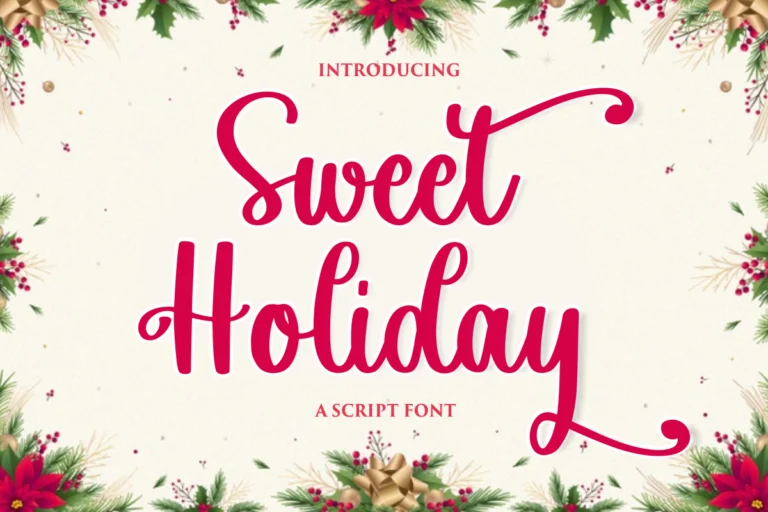
4. Sweet Holiday
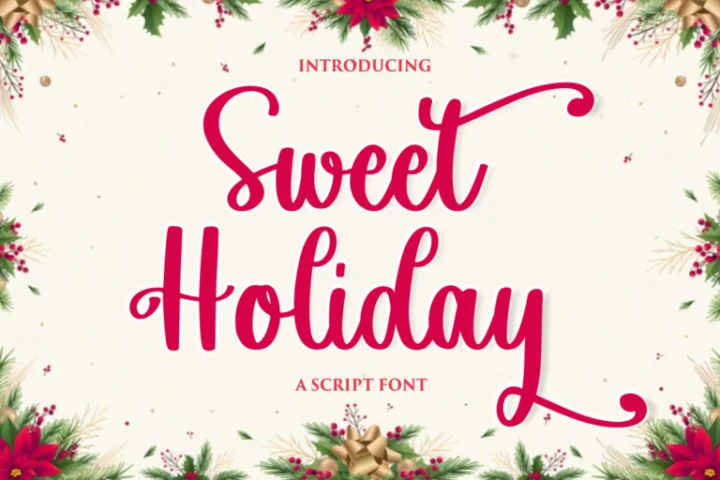
A heavier, bouncy script with a long tail on the final letter. The thick strokes stay readable at small sizes, which is exactly what you need on gift tags, round stickers and the lid of a treat box.
It also holds up in white text on a photo, so it is a good choice for a holiday sale banner or an Instagram story that people will only see for two seconds.
5. Winter Creative
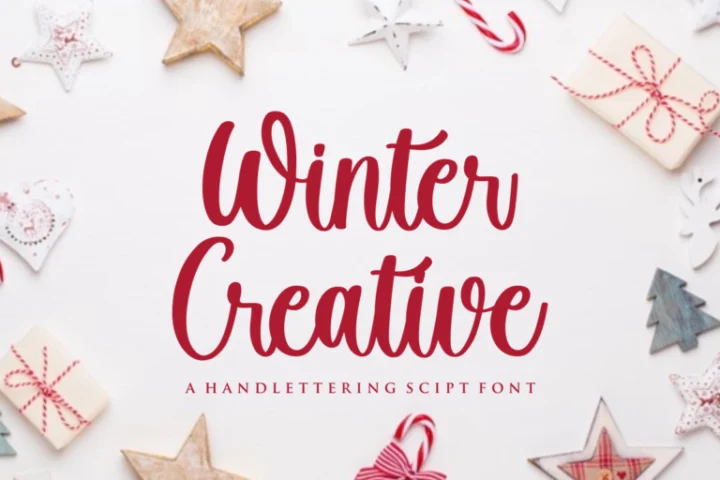
A hand-lettered script with firm, rounded strokes and letters that sit upright. That combination makes it one of the easiest fonts in this list to cut: the connections are wide enough to survive the blade, and the shapes stay recognisable on iron-on vinyl and cardstock.
Try it on ornaments, mugs, stocking names and matching family pyjamas.
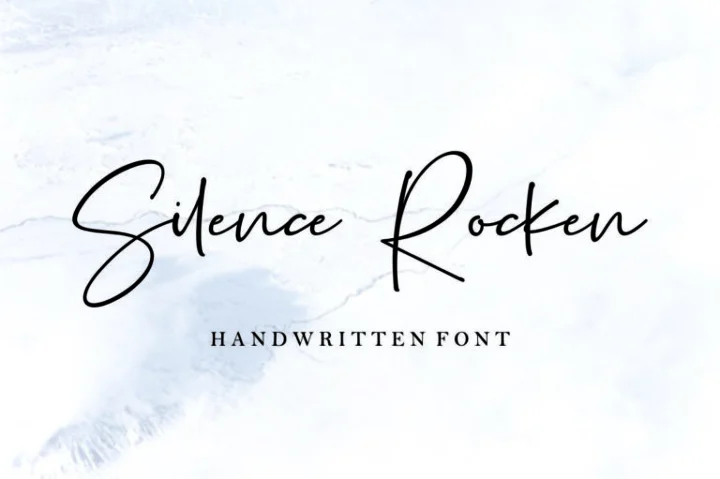
6. Winter Romance

A relaxed, brushy handwriting with an airy feel. It reads like a note written quickly but nicely, which suits family newsletters, photo cards and the “thank you for the gift” cards that come after the holidays.
It works well in white on pale blue or grey. Because it is not tied to Christmas imagery, you can keep using it through the winter season.
7. Winter Cloud

Soft, rounded handwriting with a friendly, slightly playful shape. Put a thick white outline around it and it turns into a sticker, the way it is shown above. That makes it a good fit for printable planner stickers, kids’ party signs and labels for a hot chocolate bar.
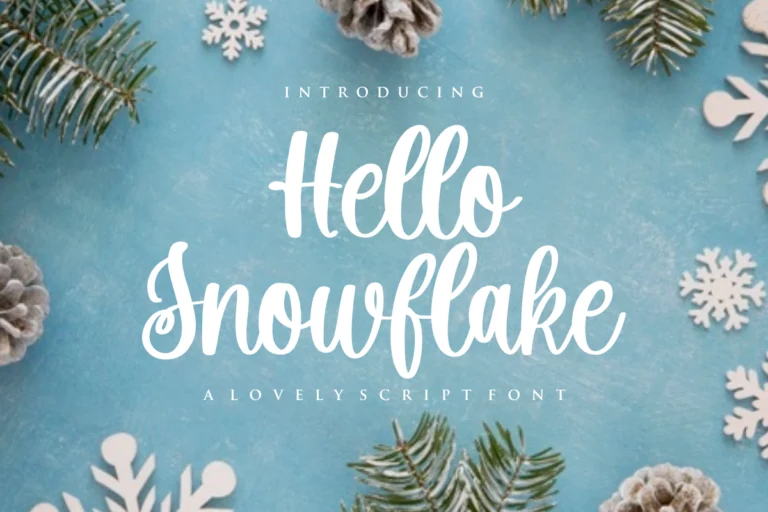
8. Hello Snowflake
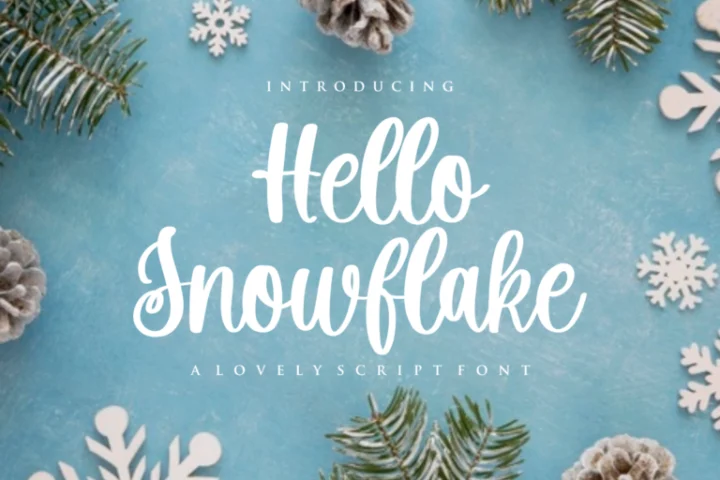
A bold, cheerful script with clear letter shapes and strong contrast. It stands out from a distance, so use it where people read from across a room: a welcome sign, a market stall banner, the title of a printable advent calendar.
How to choose a Christmas font in five minutes
Pretty previews can be misleading. Before you commit, run these three quick tests.
- Type your real words. “Merry Christmas” looks good in almost every script. Your family name, a long street address or “Happy Hanukkah & Merry Christmas” might not. Use the type tester on each font page to try your actual text.
- Check it at the final size. A gift tag is about 5 cm wide. Print a test or zoom your screen to real size. If the loops fill in or the thin strokes disappear, choose a heavier script like Sweet Holiday or Hello Snowflake.
- Count your fonts. One script plus one plain font is enough. The script carries the feeling; the plain font carries the information. Our guide to font pairing explains why this works.
Using script fonts on a Cricut
Script fonts are made of separate letters that only look connected. If you cut them as they are, you get a pile of individual letters with overlapping pieces. To cut a word as one clean piece in Cricut Design Space:
- Type your word and choose the font.
- Reduce the letter spacing until each letter slightly overlaps the next. Watch the joins, not the gaps.
- Select the text and use Weld. The word becomes one shape and the overlaps disappear.
- Check fine details at 100% zoom. Very thin hairlines may tear on vinyl smaller than about 2.5 cm tall, so scale up or pick a sturdier script.
For small iron-on projects, Winter Creative and Sweet Holiday are the safest choices in this list.
Using these fonts in Canva
To use one of these fonts in Canva you upload the font file to your Brand Kit, which needs a Canva Pro or Teams account. We walk through the steps, and the licence you need for it, in how to add your own font to Canva.
Personal or commercial: which licence do you need?
Every font in this article has a free personal-use version. That covers your own family cards, gift tags for friends and decorations for your home.
You need a paid licence once money is involved:
- Selling handmade products such as ornaments, mugs, shirts or printed cards: the Desktop License covers end products for sale up to 2,000 pieces.
- Selling templates on Etsy, Corjl or Templett, or using the font inside Canva for paid work: the Monetized Social Media License allows embedding the font in those tools.
- Designing for a client: the client’s project needs to be covered by a licence too.
If you are not sure, read personal use vs commercial use or compare every licence.
FAQ
What is the best Christmas font for Cricut?
Choose a script with thick, even strokes and wide connections. From this list, Winter Creative and Sweet Holiday cut most cleanly. Always weld script text before cutting.
Can I use these fonts for Christmas products I sell on Etsy?
Yes, with a paid licence. Physical products need at least the Desktop License; digital templates sold through Canva, Corjl or Templett need the Monetized Social Media License.
Which Christmas font is easiest to read?
Hello Snowflake and Sweet Holiday. Their letter shapes are simple and the strokes are heavy, so they stay readable on small tags and from a distance.